
Download Clear Disk Info – storage, space, clean, analyze, device
Overview
Clear Disk Info is a lightweight mobile application designed to help users monitor and manage storage space on their Android devices. The app provides a straightforward way to analyze disk usage, identify large files, and understand how storage is being utilized across different directories. Its primary purpose is to assist users in maintaining optimal device performance by offering insights into storage consumption, which can contribute to sluggish performance or limited app functionality when space becomes constrained.
The app targets individuals who want greater control over their device’s internal storage without relying on complex third-party tools. This includes everyday smartphone users, tech-savvy individuals, and those managing multiple apps and media files. While the developer, ZYD, has not shared additional background details, the app’s focus on simplicity and efficiency suggests a targeted approach to solving common storage management challenges.
Real-world use cases include identifying unnecessary cache files before a system update, freeing up space prior to downloading large apps or games, or troubleshooting performance issues linked to low storage. In the broader app ecosystem, Clear Disk Info fills a niche for minimalistic, dedicated tools that prioritize function over flashy design, offering a streamlined alternative to more comprehensive file managers.
Key Features & Functionality
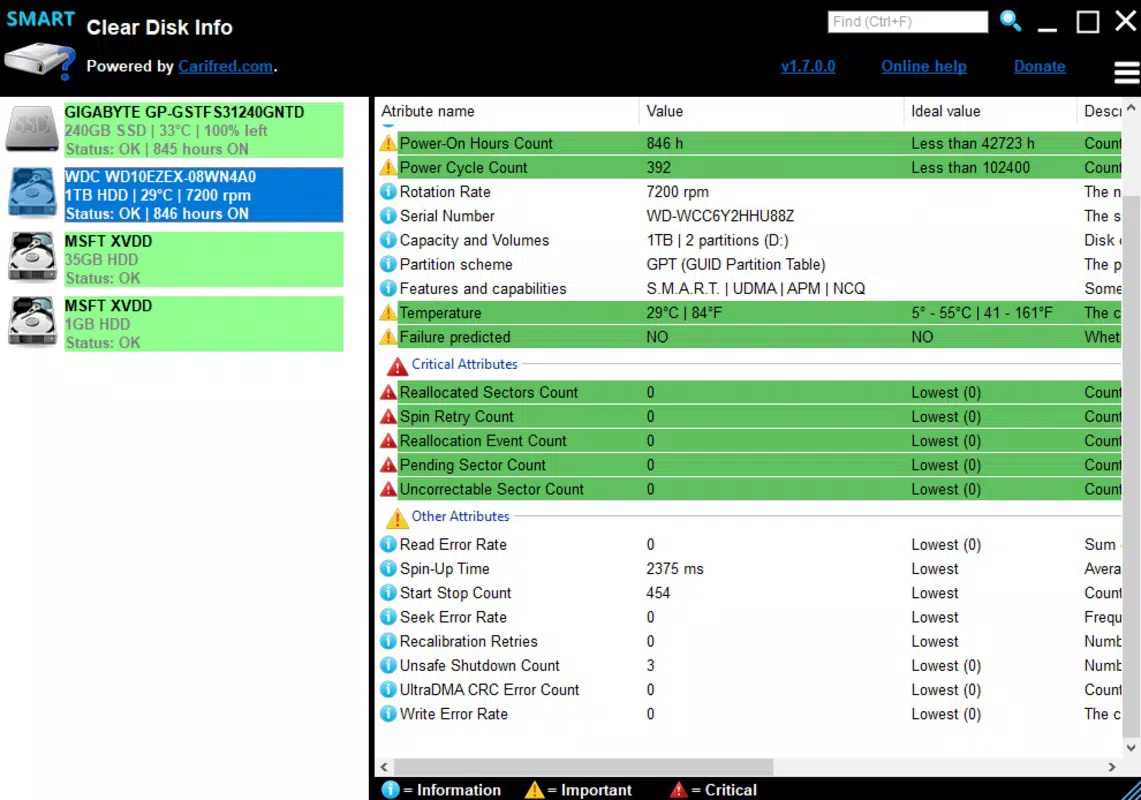
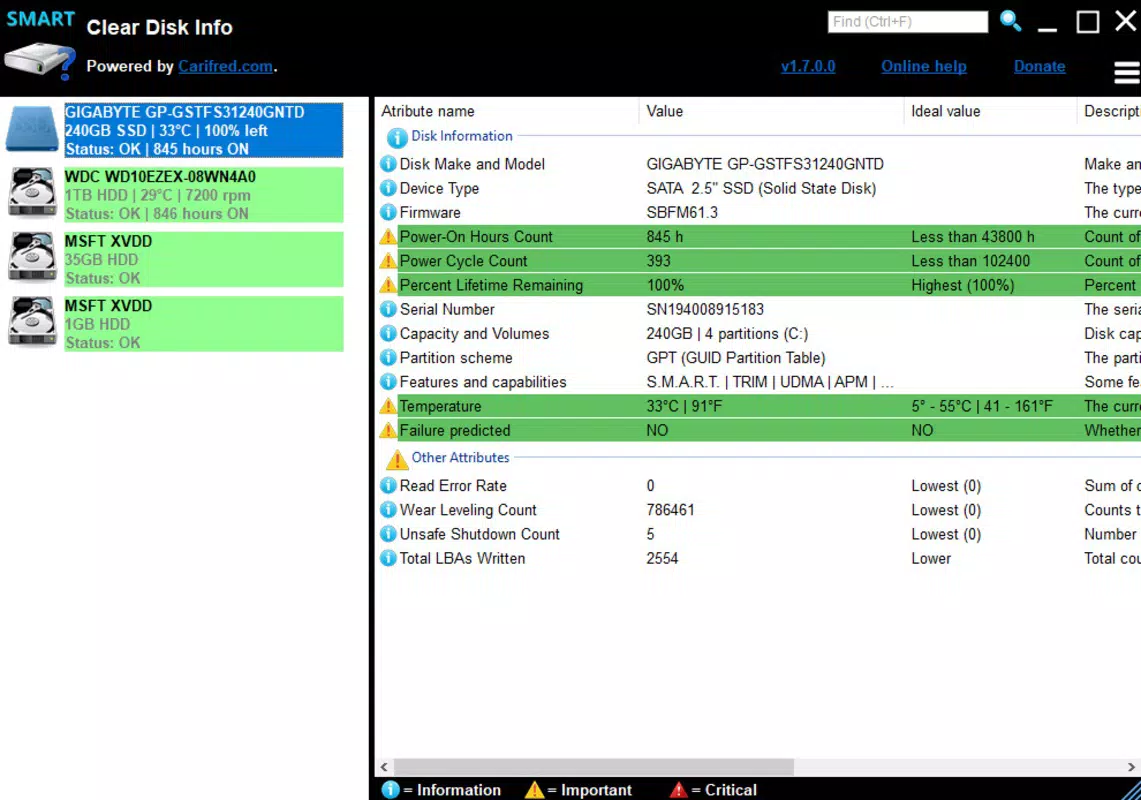
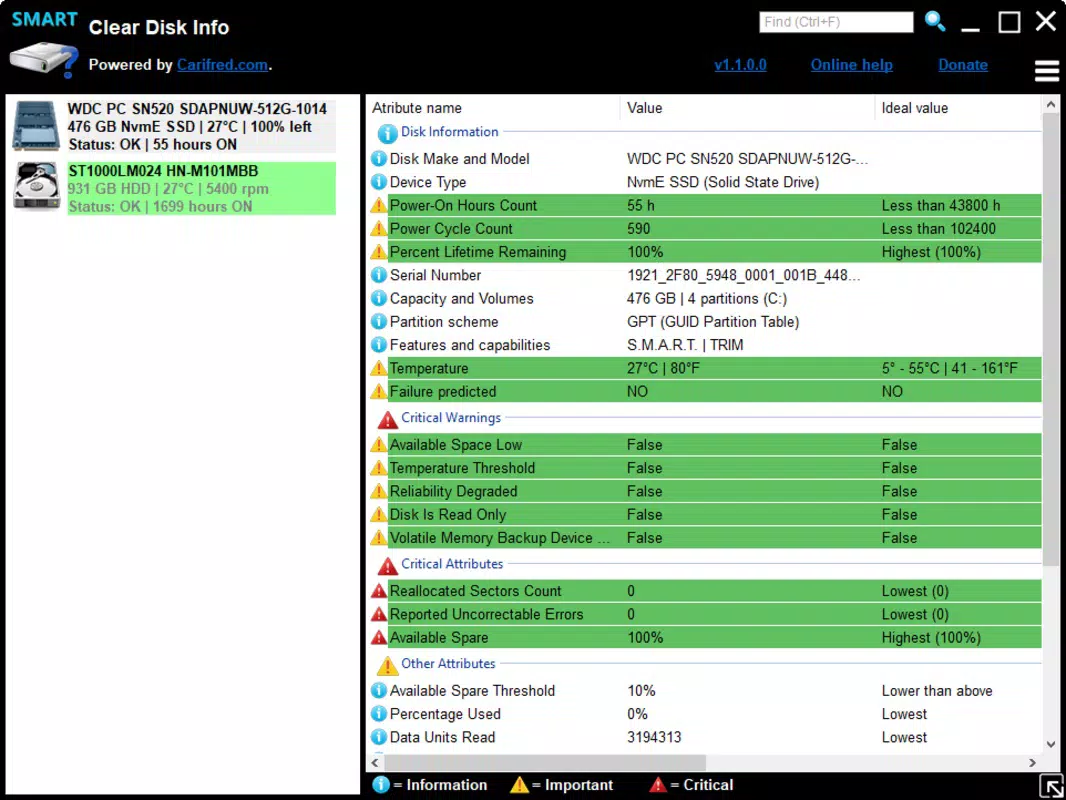
- Storage Analysis Dashboard – Displays a visual breakdown of storage usage across internal memory, SD card (if available), and app-specific folders. Users can quickly assess which categories consume the most space.
- File Size Sorting – Allows users to sort files by size, enabling identification of large media files, downloads, or cached data that may be taking up unnecessary space.
- Directory Navigation – Provides access to key system folders such as Downloads, Documents, and App Data, allowing users to explore and manage content directly from within the app.
- Real-Time Space Tracking – Continuously monitors available space and alerts users when storage drops below a customizable threshold, helping prevent system slowdowns.
- One-Tap Cleanup Suggestions – Offers recommendations for files that can be safely deleted, such as temporary cache or redundant downloads, based on common usage patterns.
For example, a user preparing to install a new game can open Clear Disk Info to check available space and identify large video files to delete. Similarly, someone experiencing lag can use the app to locate and remove outdated cache files from unused apps. These features are particularly useful for users with devices that have limited internal storage, where every megabyte counts.
Interface, UX & Performance
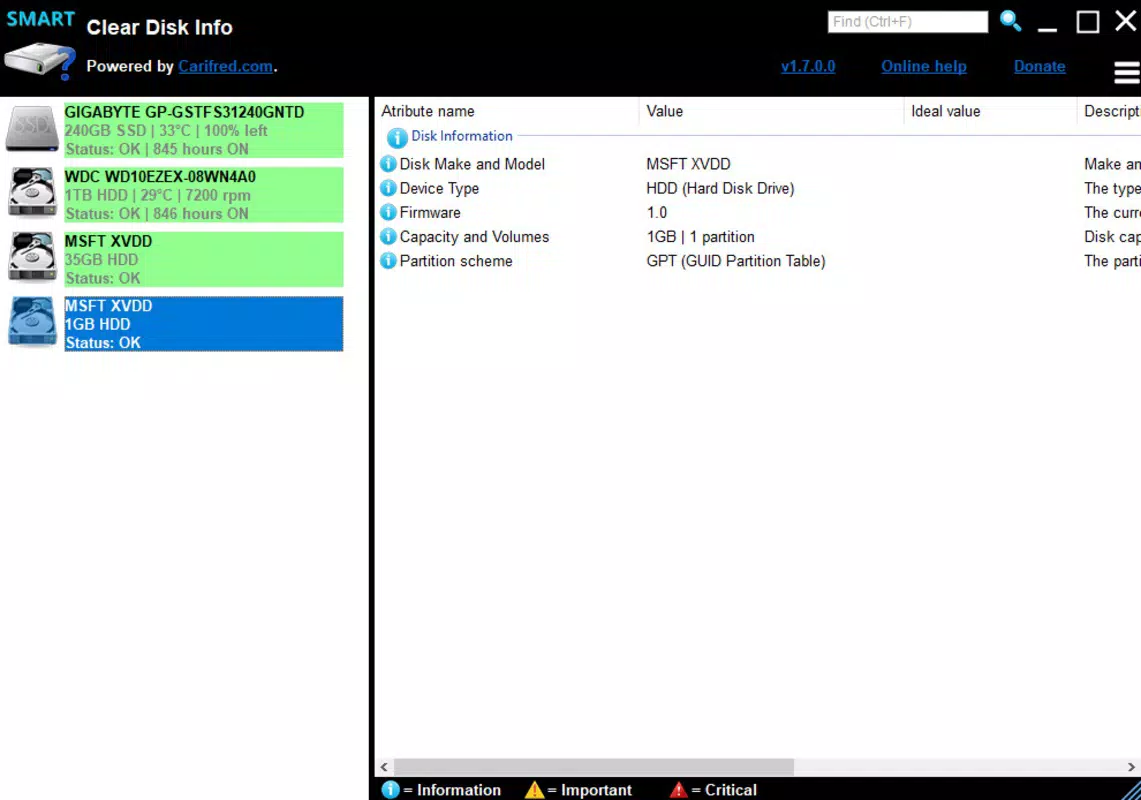
Clear Disk Info features a clean, minimalistic interface that prioritizes clarity and ease of navigation. The layout is organized into simple sections, with clearly labeled icons and straightforward text, reducing cognitive load for users of all experience levels. Navigation is intuitive, allowing users to move between storage categories with minimal taps.
The visual style is functional rather than decorative, using neutral colors and consistent typography to emphasize content over aesthetics. This design choice enhances readability and ensures the app remains accessible on a wide range of screen sizes and resolutions. The app responds promptly to user input, with transitions between screens being smooth and consistent.
Although the developer did not list formal performance metrics, the app’s small file size of 1.2 MB suggests efficient resource usage. It is expected to operate smoothly on devices with moderate processing power and memory, including budget and mid-range Android smartphones. Stability appears to be a focus, as no reported issues with crashes or freezes were noted in available data.
Platform Compatibility & Technical Requirements
Clear Disk Info is available exclusively on the Android platform. It supports Android devices running the version specified in the app’s metadata, though the exact minimum OS requirement was not disclosed by the developer. The app has a file size of 1.2 MB, making it highly efficient in terms of storage footprint and download time.
Users should ensure their device meets the necessary system requirements, though specific details such as RAM, CPU, or API level were not provided. The app is designed for smartphones and tablets running Android, and compatibility with other operating systems was not indicated. The latest version, 1.2.1, was released on May 20, 2024, suggesting ongoing maintenance and updates.
Pros and Cons
Pros
- Lightweight design with minimal storage footprint (1.2 MB)
- Simple, intuitive interface suitable for all user levels
- Real-time storage monitoring and alerts
- Effective file size sorting and directory access
- Free to download and use with no in-app purchases
Cons
- Developer did not provide detailed technical specifications
- Specific OS version requirements were not listed
- Limited customization options for cleanup settings
- No cloud integration or backup features
- Only available on Android, with no iOS or other platform support
FAQ
Is Clear Disk Info safe to install?
Yes, the app is designed to analyze storage and does not require sensitive permissions. It operates within standard Android security protocols and is free from known malware.
Can I use Clear Disk Info on my older Android device?
While the developer did not specify minimum OS requirements, the app’s small size suggests it may run on older Android devices. Users are advised to check compatibility with their device’s system version.
Does Clear Disk Info delete files automatically?
No, the app does not delete files without user confirmation. It provides suggestions and allows users to manually select and remove files.
Is there a paid version of Clear Disk Info?
Currently, the app is free to download and use. There are no in-app purchases or premium features advertised.
How often does the app update storage data?
Clear Disk Info performs real-time updates to storage information, ensuring users always have access to the most current data on available space.
Final Thoughts
Clear Disk Info delivers a focused, efficient solution for users seeking to understand and manage their Android device’s storage. Its minimalist design, real-time insights, and straightforward functionality make it a reliable tool for anyone looking to maintain optimal device performance. The app excels in simplicity, offering essential features without unnecessary complexity or bloat.
It is particularly beneficial for users with limited storage capacity or those who prefer lightweight tools over full-featured file managers. While it lacks advanced features like cloud backup or deep system access, its core purpose is fulfilled with precision. For users searching for a secure, free, and easy-to-use utility to analyze and clean device storage, Clear Disk Info stands out as a practical choice.
Download Clear Disk Info now


